Localizing tours
You can use funnels to create different sets of tours for the different languages that your app supports.
1. Create a copy of a tour
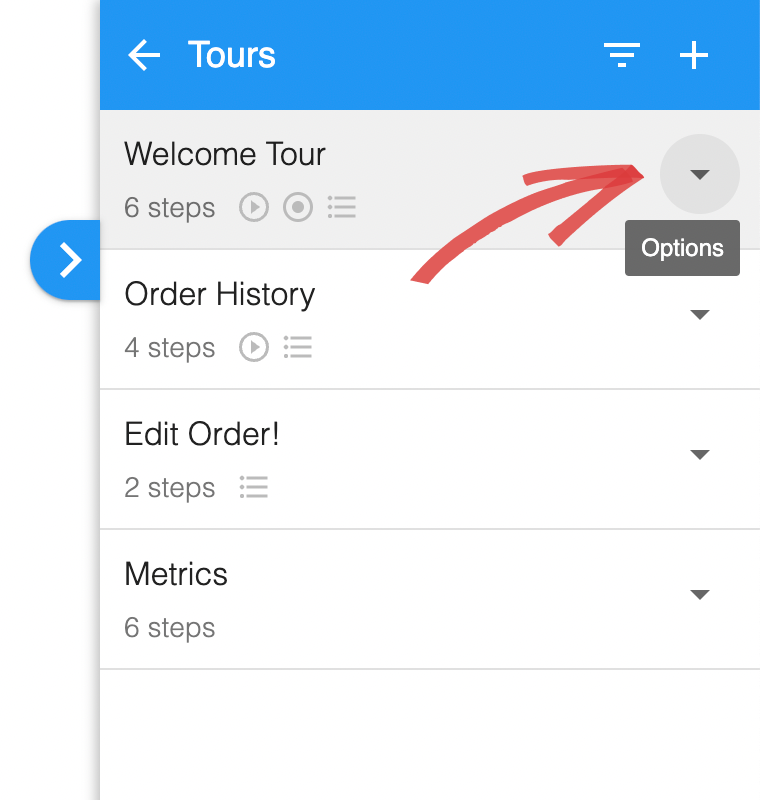
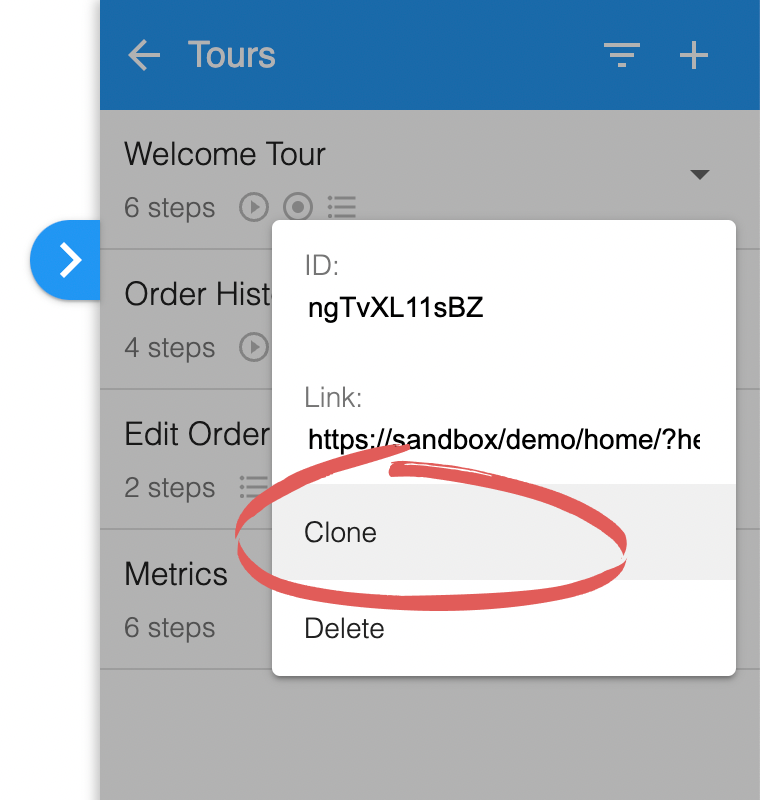
Section titled “1. Create a copy of a tour”Take a copy of an existing tour that you want to localize.
2. Localize content and add funnel
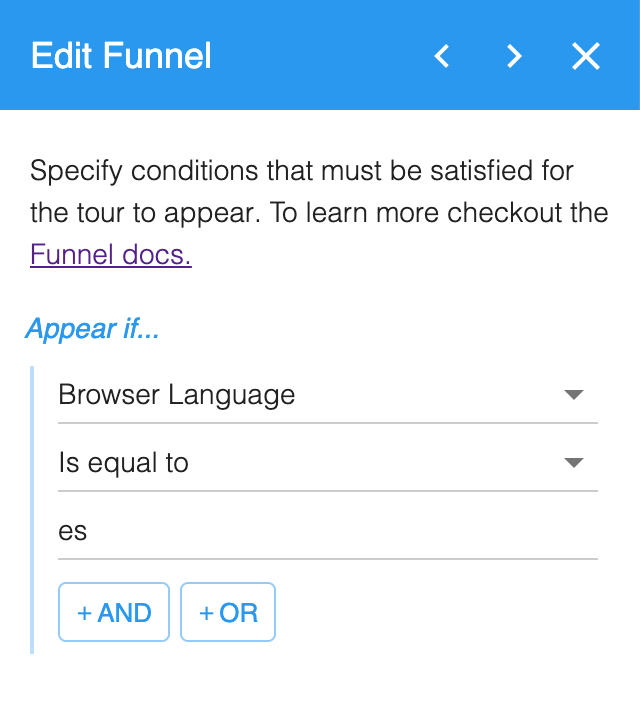
Section titled “2. Localize content and add funnel”Update the tour content to be localized for another language for example change all text to Spanish. Then straight after the first URL Match add a funnel step targeting the language which you have translated the content to. For example use the language code es for spanish.
For a list of common language codes see ISO_639-1 Language Codes