The Affordable UserGuiding Alternative

Both build in-app guides without code, and both price on monthly active users. What differs is how much your plan lets you publish, and what it costs to publish it.
Last updated 31 July, 2026

Most onboarding tools look identical on the feature list and diverge entirely on the invoice. UserGuiding and HelpHero are a good example.

UserGuiding has spread out from tours into self-service support: a hosted knowledge base, a product updates page, a roadmap and an AI assistant that answers questions from your own content, with a free forever tier built around them. That is more than HelpHero does, and for some teams it is the whole reason to pick it.

The catch is what the paid plans meter. UserGuiding counts your guides, your checklists, your hotspots, your surveys, your themes, your segments and your seats, and it keeps custom CSS, A/B testing and localization on the second tier up. HelpHero counts one thing, how many people see your tours, and includes everything else on every plan. Because both vendors price in monthly active user bands, this is one of the few comparisons where the numbers line up exactly.

Choose HelpHero if…

You want unlimited guides, checklists and team members with custom CSS, A/B testing and localization included on the cheapest plan, and your help centre already lives somewhere else.

Try for free

Stick with UserGuiding if…

You want a knowledge base, product updates and an AI assistant in the same tool as your onboarding, you want session replay, and the caps on the entry plan are comfortably above what you publish.

HelpHero vs UserGuiding at a glance

FeatureHelpHeroUserGuiding
Tours, checklists & hotspotsUnlimited, every planCapped on Starter
Unlimited active guidesEvery plan25 on Starter, 100 on Growth
Unlimited checklistsEvery plan2 on Starter
Custom CSSEvery planGrowth and up
A/B testingEvery planGrowth and up
LocalizationEvery plan1 + 3 languages on Growth
Unlimited team membersYes5 seats on Starter, 15 on Growth
Unlimited audience segmentsYes15 on Starter, 50 on Growth
Session replayNo3,000 recordings on Growth
Knowledge base & AI assistantNot a support toolEvery plan, plus a free tier
Built-in NPS surveysEmbed your NPS providerEvery plan
Native mobile appsWeb apps onlyWeb apps only
Mobile & tablet browsersYesContact them for screens under 800px
Published price at 10,000 MAU$249 / monthQuoted on request
Starting price$55 / month$174 / month, billed yearly

UserGuiding details are quoted from userguiding.com as checked on 31 July, 2026 and may have changed since. Verify current details on their own site.

01Features

What both build, and what UserGuiding counts

Both tools were built to walk a new user through a first session, and on that work they are hard to tell apart. Neither needs a developer for any of this.

  • Code-free building, with no developer needed to publish a tour
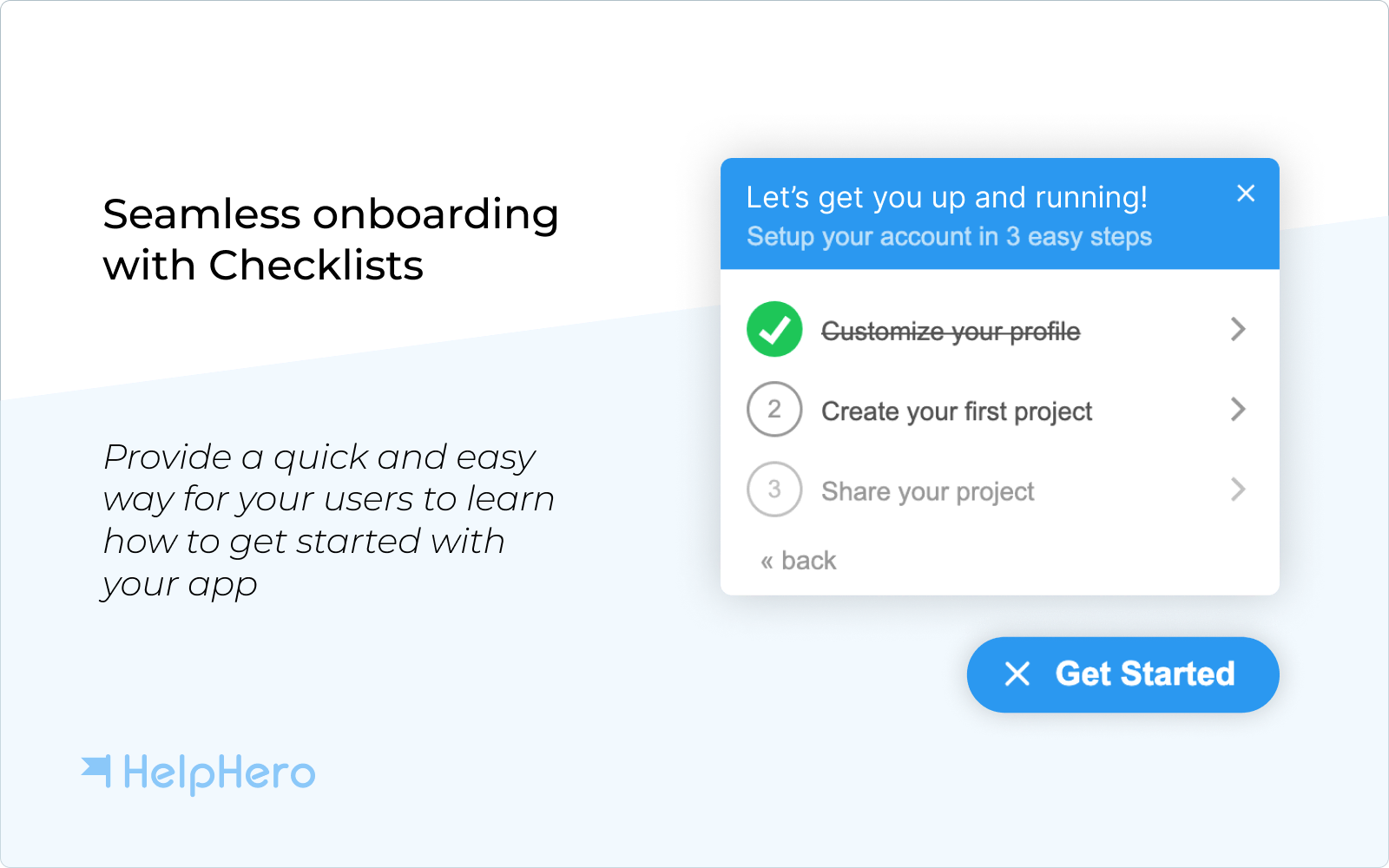
  • Product tours, checklists, hotspots, tooltips and banners
  • In-app surveys and NPS to collect feedback where users already are
  • Audience segmentation and targeting rules
  • Themes and styling that match your brand, with the vendor's badge removed
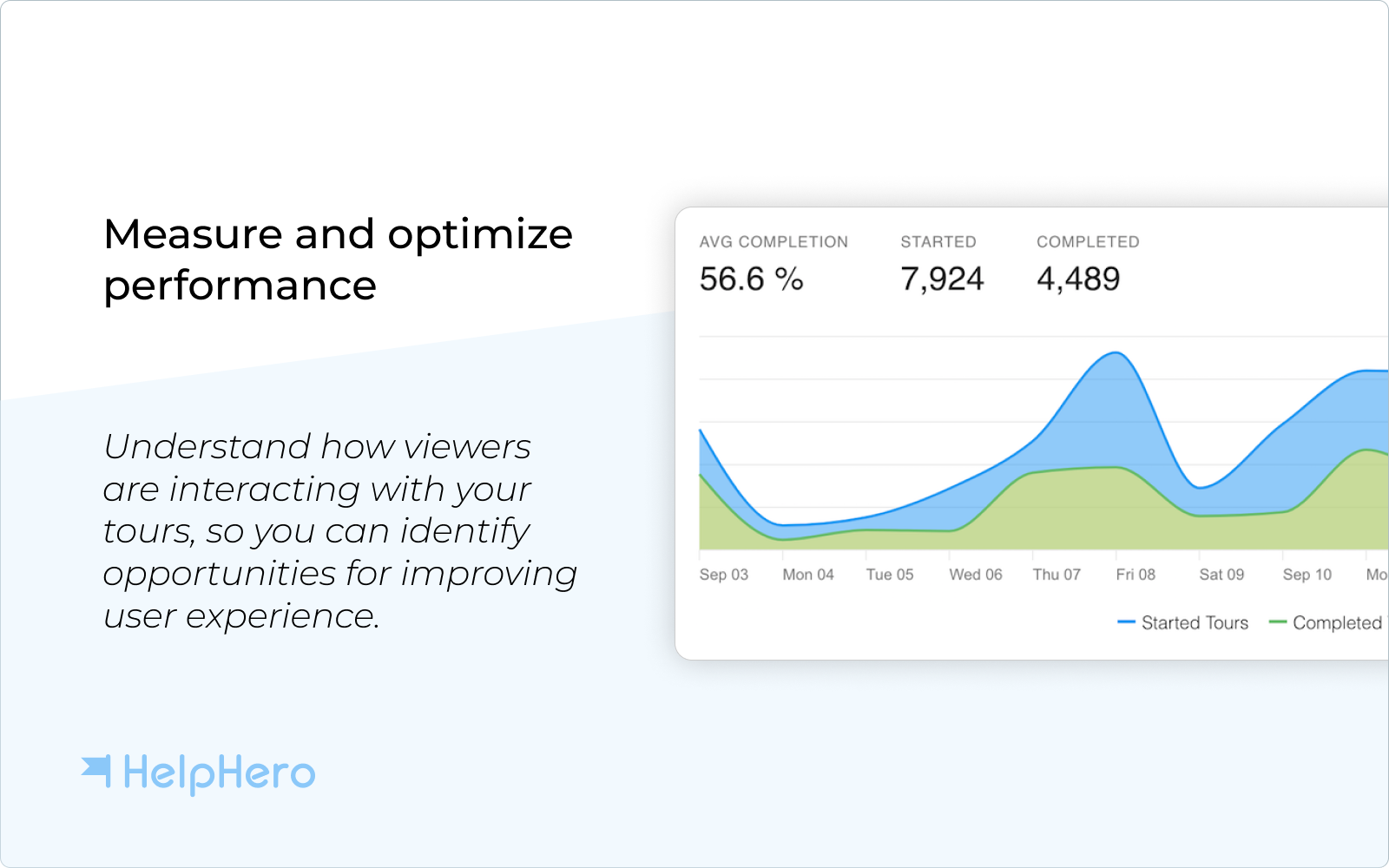
  • Analytics on how the guides you publish are performing
  • Single-page app support for React, Angular and Vue
  • A free 14 day trial, and pricing based on monthly active users

They even share the same limitation: neither works inside native mobile apps. Both render in browsers on any device, though UserGuiding asks you to contact it before showing content on screens narrower than 800px, where HelpHero does not. Beyond that they part ways, in four places.

What your plan lets you publish

HelpHero

UserGuiding meters the content itself. Its Starter plan allows 25 active guides, 20 hotspots, 2 checklists, 5 surveys, one resource centre, one banner and one theme; Growth lifts guides to 100 and unlocks unlimited checklists and hotspots. HelpHero does not count any of it. Tours, checklists and hotspots are unlimited on every plan, so you never have to retire an old guide to make room for a new one.

Custom CSS, A/B testing and localization

HelpHero

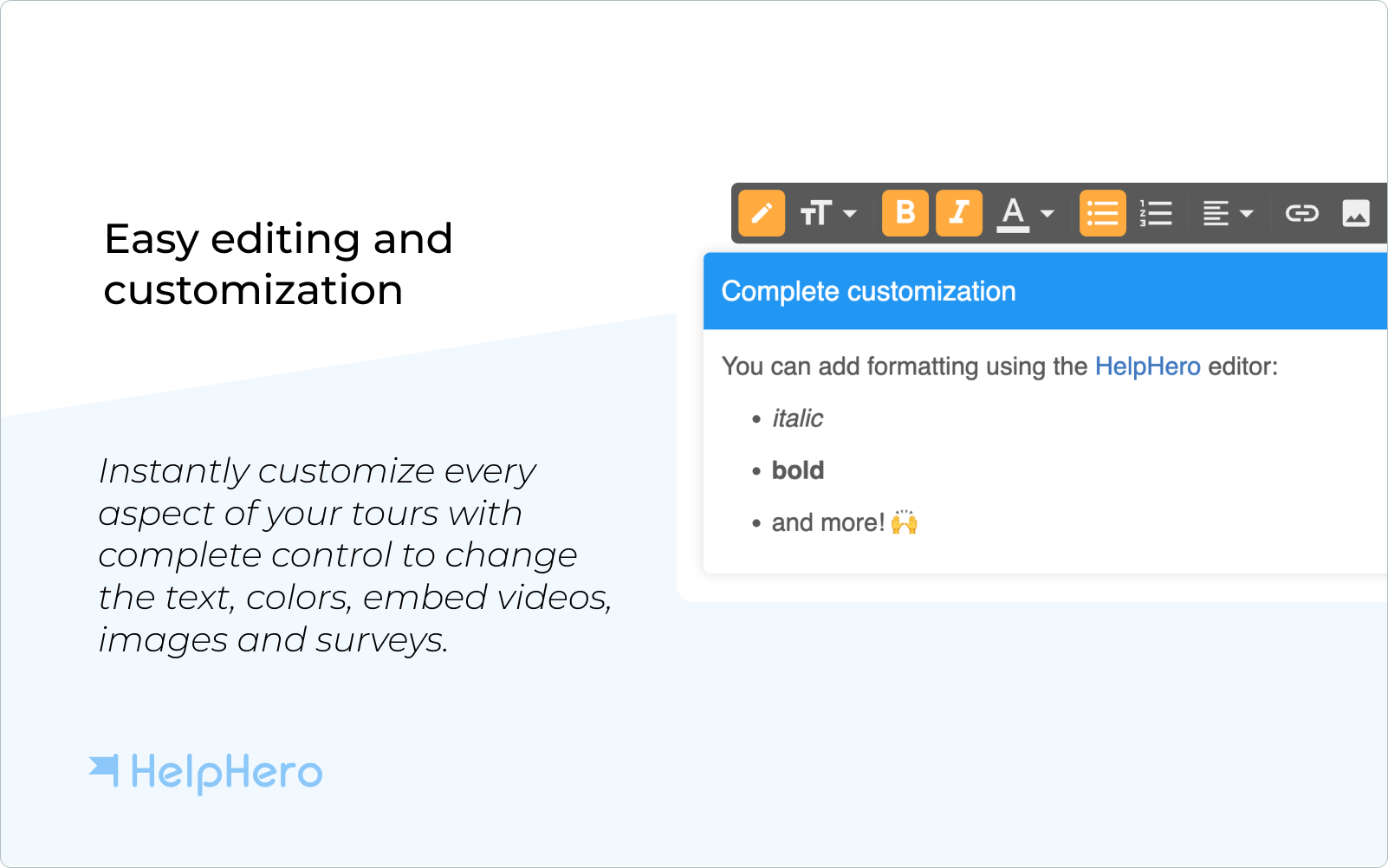
These three sit on UserGuiding's Growth plan, not Starter, and localization on Growth covers one base language plus three more. That means the entry plan cannot restyle beyond the theme editor, cannot split-test a tour, and cannot run in a fourth language. All three are included on every HelpHero plan, including the cheapest, and localization is not capped by language count.

Self-service support content

UserGuiding

UserGuiding hosts a knowledge base, a product updates page, a roadmap and feature requests, plus an AI assistant that answers questions from your own content with 50 free resolutions on the paid plans. There is even a free forever tier built around exactly that. If you want your help centre and your onboarding in one tool, HelpHero has no answer to it.

Session replay

UserGuiding

UserGuiding includes session replay from the Growth plan up, 3,000 recordings on Growth and 5,000 on Enterprise, so you can watch where a user got stuck rather than infer it. HelpHero has nothing equivalent, and does not plan to. If replay is part of how your team debugs onboarding, that is a real gap.

The verdict
Put your help centre and your onboarding in one tool and UserGuiding covers ground we do not. Keep them apart and HelpHero lets you publish more, for less.

02Pricing

What each one costs

Both vendors price on monthly active users and both publish the number, which makes this unusually straightforward. UserGuiding's pricing page has a slider: at 2,000 monthly active users Starter is $174 a month and Growth is $349 a month with the year paid up front, or $249 and $499 billed monthly.

HelpHero has a tier at exactly 2,500 monthly active users, and so does UserGuiding's slider, so no rounding is needed on either side. There, UserGuiding Starter is $209 a month billed yearly and Growth is $419. HelpHero is $115 a month, with custom CSS, A/B testing and localization already included.

3.6×

more for the UserGuiding plan that unlocks custom CSS, A/B testing and localization ($419 a month at 2,500 users) than HelpHero charges for the same users with all three included ($115 a month). That compares UserGuiding's discounted billed-yearly rate against our month-to-month price.

Swipe the table sideways to compare every plan →
HelpHeroevery plan, every featureUserGuiding Starterself-serve signupUserGuiding Growthbook a demo
Billed monthly, at 2,500 MAU$115 / month$299 / month$599 / month
Billed yearly, at 2,500 MAU$1,150 / year$2,508 / year$5,028 / year
Team seatsUnlimited515
Active guidesUnlimited25100
Active checklistsUnlimited2Unlimited
Custom CSSIncludedNot includedIncluded
A/B testingIncludedNot includedIncluded
Price at 10,000 MAU$249 / monthOn requestOn request

UserGuiding prices and plan limits are quoted from userguiding.com on 31 July, 2026, read from its MAU slider at 2,500 monthly active users; the yearly figures are its published billed-yearly rate over twelve months. Its price holds flat across a band, so the same $209 covers anything from 2,100 up to 5,000 users, and above 10,000 every plan is quoted on request. HelpHero prices are per monthly active users; see the full pricing page for every tier.

The verdict
HelpHero costs less at the same number of users, and the gap widens once you need custom CSS, A/B testing, localization, or more than 25 guides.

03Trade-offs

Where each one is the stronger choice

UserGuiding is the broader product. If your support content and your onboarding belong together, it does something we do not attempt.

UserGuiding is stronger at

  • A hosted knowledge base, product updates page and roadmap
  • An AI assistant answering questions from your own content
  • Session replay from the Growth plan up
  • A free forever tier for the self-service support features
  • A 30 day money-back guarantee
  • A wider integration library, including Segment, Mixpanel and Salesforce

HelpHero is stronger at

  • Unlimited guides, checklists, hotspots and surveys on every plan
  • Custom CSS, A/B testing and localization on every plan
  • Unlimited team members and audience segments
  • A published price all the way to 20,000 monthly active users
  • A lower price at the same number of users
  • A lighter script that is less likely to slow your app down

HelpHero is the better fit if what you need is in-app guidance done well: tours, checklists and hotspots that anyone on your team can build, on a plan that includes every feature and never asks you to delete an old guide to publish a new one. We are hardly neutral about this, but both pricing pages are public, and the slider on theirs will give you your own number in a few seconds.

HelpHero is the only tool on the market that has reasonable, sane pricing for small business / budgets.
Chris O., Strategy & Sales

04Questions

Common questions

Is HelpHero cheaper than UserGuiding?

Yes, at the same number of users. Both price on monthly active users, and both publish a figure at 2,500 MAU. UserGuiding Starter is $209 a month there when the year is paid up front, or $299 a month billed monthly. HelpHero is $115 a month billed monthly, or $1,150 for the year. UserGuiding's Growth plan, which is where custom CSS, A/B testing and localization arrive, is $419 a month at the same volume.

What does UserGuiding's Starter plan leave out?

Going by UserGuiding's own plan comparison: custom CSS, A/B testing, goal tracking, impact reports, custom alerts, company-level data, session replay, localization, multiple projects and team member roles. Starter also caps what you publish: 25 active guides, 20 hotspots, 2 checklists, 5 surveys, one resource centre, one banner and 1 theme, along with 5 seats and 15 audience segments.

How many team members do I get?

UserGuiding sells seats: 5 on Starter, 15 on Growth, and unlimited only on Enterprise, with extra seats available as a paid add-on. HelpHero does not limit team members on any plan, so anyone who needs to build or review a tour can have an account without changing the bill.

What does UserGuiding do better than HelpHero?

Self-service support. UserGuiding hosts a knowledge base, a product updates page, a roadmap and feature requests, and an AI assistant that answers from that content, and it gives those away on a free forever plan. It also includes session replay from Growth up, and a longer list of out-of-the-box integrations. HelpHero does none of that: it builds in-app guidance and expects your help centre and analytics to live elsewhere.

Can I try either tool without talking to sales?

Both offer a free 14 day trial. HelpHero is self-serve from signup onwards, with no credit card and no call, and every tier is priced on the pricing page. With UserGuiding you can start Starter yourself, but Growth and Enterprise are both "Book a Demo", and above 10,000 monthly active users every plan is quoted on request.

How hard is it to switch from UserGuiding to HelpHero?

HelpHero installs as a JavaScript snippet or through the Chrome extension, in the same way as Google Analytics or Intercom, so getting it running takes minutes. Rebuilding your existing guides is the longer part of the job, and our support team will help you plan it. Both tools work on web apps in modern browsers and neither supports native mobile apps, so that side of your setup does not change.

4.9/5 on G2.com
4.7/5 on Capterra