Interactive walkthrough software
that turns your interface into a hands-on guide
- It runs on your real interfaceThe walkthrough plays over your actual product, with the user's own account and their own data in front of them.
- Nothing happens until they clickA video plays at users whether they're following along or not, while a walkthrough waits for them to do the thing.
- It survives your next redesignA recorded demo goes stale the day you move a button. You can edit a walkthrough in the morning and have it live by lunchtime.
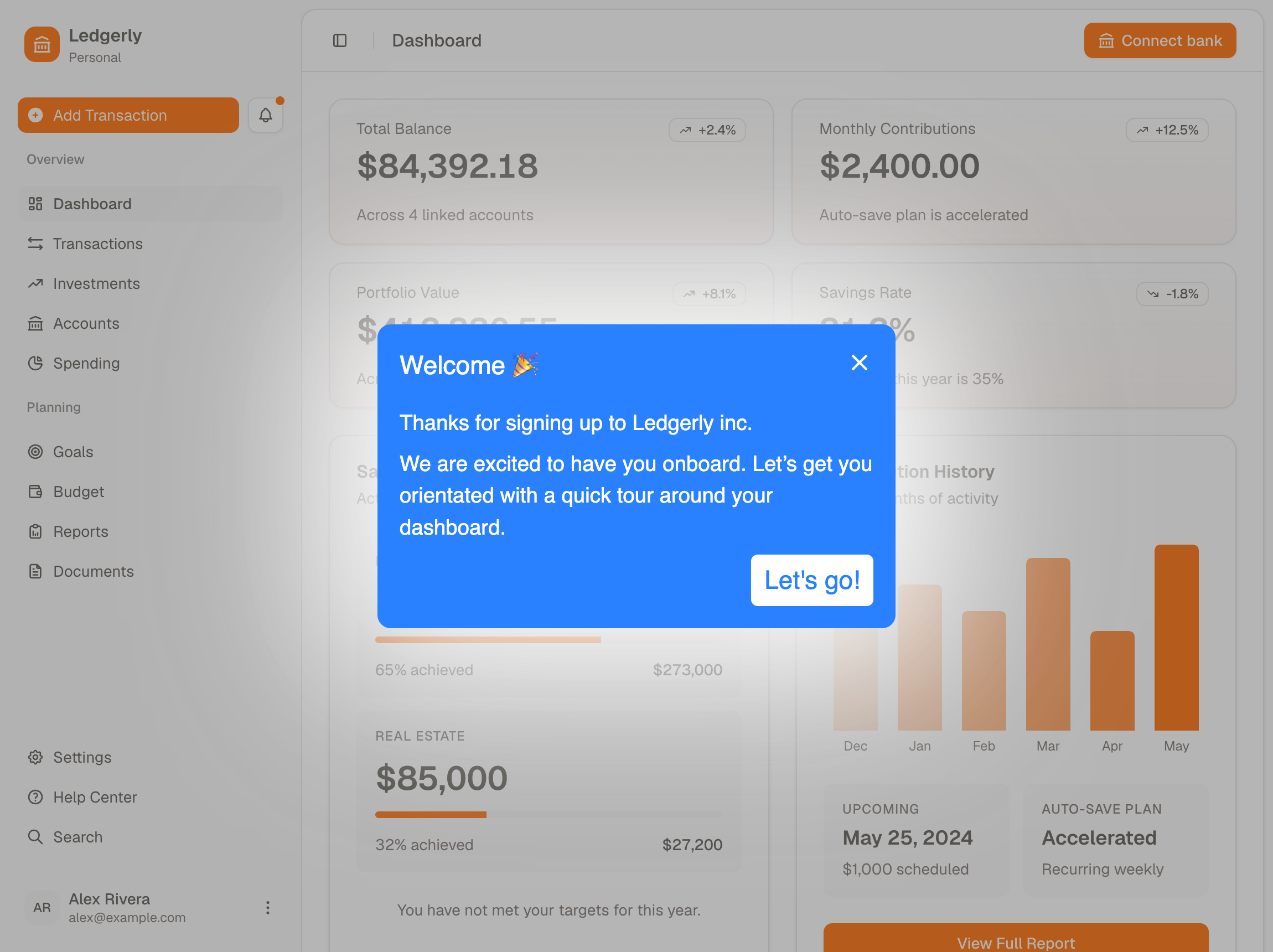
How to create a walkthrough

- Point at the real elementsOpen the editor on your own site with the Chrome extension and click whatever each step is about.
- Write one instruction per stepA short bit of copy and a button to move on, plus an image or video where that helps.
- Decide who gets it and whenA funnel decides who sees it, going on a user's role, what they've done, or the page they're on.
What makes it interactive rather than a recording
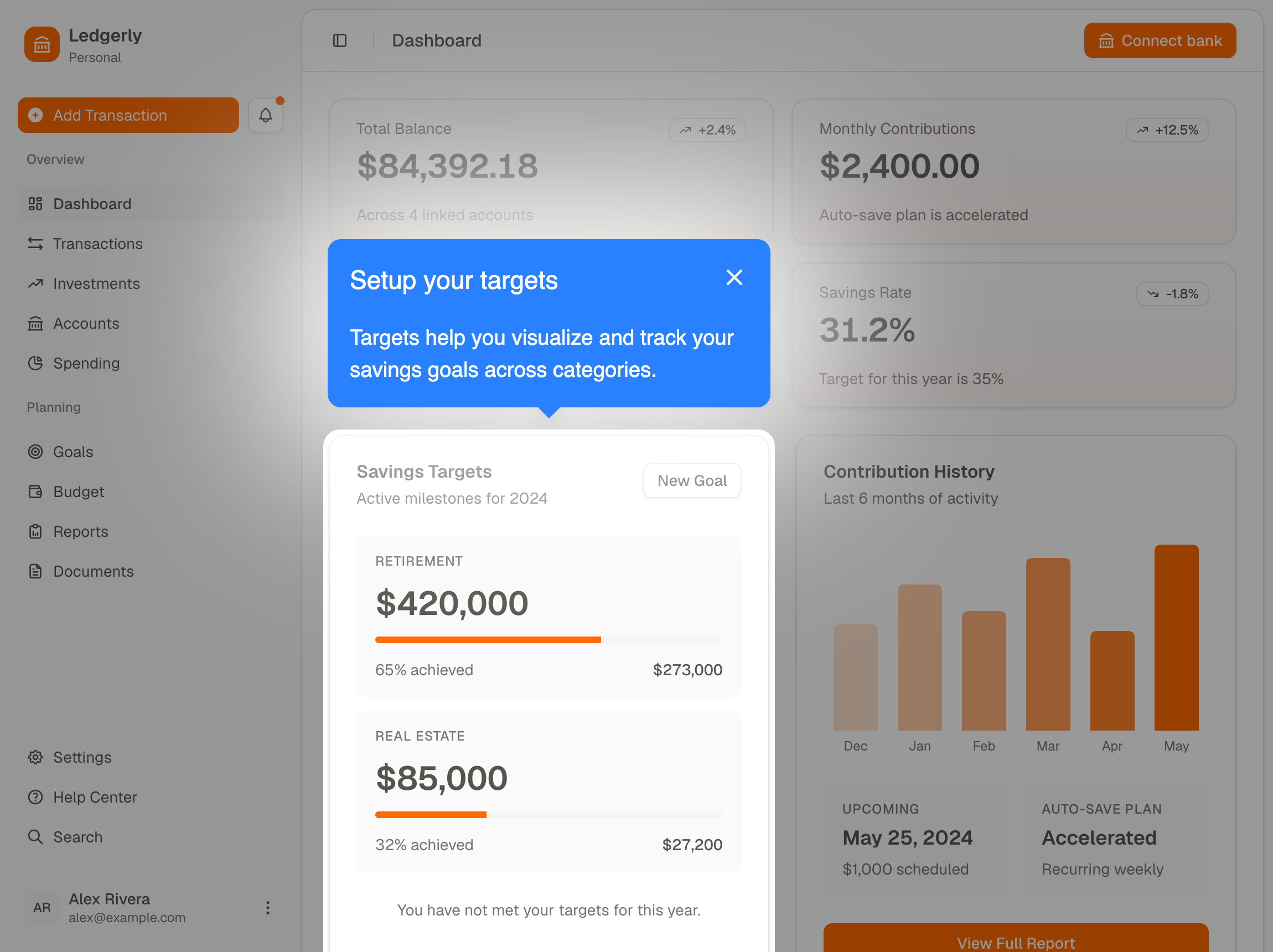
- The step sits beside the controlThe copy and the button show up together, right where the user is already looking.
- The rest of the page dimsWhatever the step points at stays lit while everything else fades back, so there's no doubt about which button you mean.
- One walkthrough can branchSkip the step, jump elsewhere or finish early when a funnel doesn't pass, so each user only sees what's relevant to them.
Common questions about interactive walkthroughs
What is interactive walkthrough software?
Interactive walkthrough software builds step by step guidance that runs inside a web app, so a user learns a task by doing it in their own account rather than by reading the docs. You install a JavaScript snippet once, then build each walkthrough in a point and click editor instead of in your own code.
How do you create an interactive walkthrough?
Pick the one task a new user has to finish before your product is worth paying for. Open the editor on your own site with the Chrome extension, click whatever each step is about, and write a short instruction for it. Then set a funnel to decide who sees it and when. None of that needs a developer or a release.
What is the difference between a walkthrough and a product tour?
They're the same feature under two names, built in the same editor. The category leans toward product tour, plenty of teams say walkthrough, and both words show up on this site for the same thing rather than for two different products.
Do you need a developer to build a walkthrough?
Not for building or editing them. The snippet goes in once, the way any analytics tag does, and a tag manager can carry it if that's easier than a code change. After that, the people who can actually see where users get stuck are the ones building and editing, which matters because a change that needs a release happens a few times a year rather than weekly.
How much does interactive walkthrough software cost?
HelpHero starts at $55 a month for 1,000 monthly active users, and every plan includes every feature with unlimited seats. Most of the category charges more to get started, and several vendors don't publish their paid tiers at all, quoting them on request after a call. Our comparison pages carry each vendor's own figures alongside the date we checked them.
Who sees a walkthrough, and when?
Whoever your funnel says should see it. You can target on user properties like role or plan, on events you've sent, on the page a user is on, on device type, on whether they're new or returning, or on a schedule. A funnel can also sit on a single step rather than the whole walkthrough, so one flow serves users who need different amounts of help.
Can you tell whether a walkthrough worked?
Yes, and step by step rather than only across the whole flow. Completion is reported per step, so a drop between one step and the next points at one screen instead of a whole walkthrough. A few lines of the JavaScript API also forward started, completed and canceled events into Google Analytics, Mixpanel or whatever you already run.
The quickest way to judge any of this is to build one walkthrough and watch a user try it. You can do that on a free trial without talking to anyone, and pricing starts at $55 a month with every feature on every plan and unlimited seats. If you're weighing us against a particular tool first, each one has a side-by-side comparison.