SaaS User Onboarding: Five Tips That Actually Work
What SaaS user onboarding is, and the five things startups that get it right do differently: concise flows, staggered reveals, personalization, visible progress, and fast value.
 Jennifer Tee5 min read
On this page
- 1) Keep It Concise and Simple
- 2) Stagger Onboarding Information
- 3) Personalize the Experience
- 4) Make Onboarding Engaging and Rewarding
- 5) Focus on Delivering Value Quickly
- What good SaaS onboarding adds up to
- Choosing the Right Onboarding Solution
- Get Started with HelpHero
- Common questions about SaaS user onboarding
Five things separate SaaS user onboarding that works from onboarding that merely exists: how long it runs, when each piece of it appears, whether it adapts to who's reading, whether progress is visible, and how quickly it produces something worth having. None of the five are hard to do, and most teams get the first one wrong by a wide margin. Each one below comes with an example from a product you've probably used yourself.
At HelpHero we've looked at onboarding across a lot of SaaS products, and the same attributes keep showing up in the ones that work. This is the tactical half of the subject: for the ground underneath it, meaning which mechanism fixes which problem and the four numbers that tell you it's working, our SaaS onboarding guide covers that. Whether you're a startup growing a customer base or an established product trying to lift engagement, these five apply.
1) Keep It Concise and Simple
Your onboarding experience should set your users up for success by being clear, to the point, and easy to follow. Instead of overwhelming users with too much information at once, focus on the key things they need to know to get started.
- Do they need to perform an initial action, like syncing data or installing a plugin?
- Do they need to know about a specific feature or capability your product offers?
Slack's onboarding experience is an excellent example of keeping it concise. Instead of a lengthy product tour, Slack introduces users to one key feature at a time, such as sending a message or setting up a channel, through interactive tooltips.
2) Stagger Onboarding Information
One of the biggest pitfalls of onboarding is introducing all features at once in a giant walkthrough. This overloads users with too much information upfront, making it hard for them to remember or apply what they've learned.
Introduce features gradually based on user progress to avoid overwhelming them. For example, Figma doesn't introduce advanced design tools immediately. Instead, it starts by guiding users to create their first design file and add basic shapes. Once users become comfortable, they receive suggestions for more advanced features like prototyping and team collaboration. This step-by-step approach ensures users learn at their own pace, making onboarding feel natural and engaging.
3) Personalize the Experience
Not all users have the same needs. Your onboarding process should be tailored based on different roles and use cases. A marketer using your product may need a different walkthrough compared to a developer.
As an example, Canva customizes its onboarding based on user intent. When new users sign up, Canva asks whether they are a teacher, marketer, student, or small business owner. Based on their selection, Canva provides relevant templates and design recommendations tailored to their needs.
4) Make Onboarding Engaging and Rewarding
Users are more likely to complete the onboarding process if they can see their progress and have clear steps to follow.
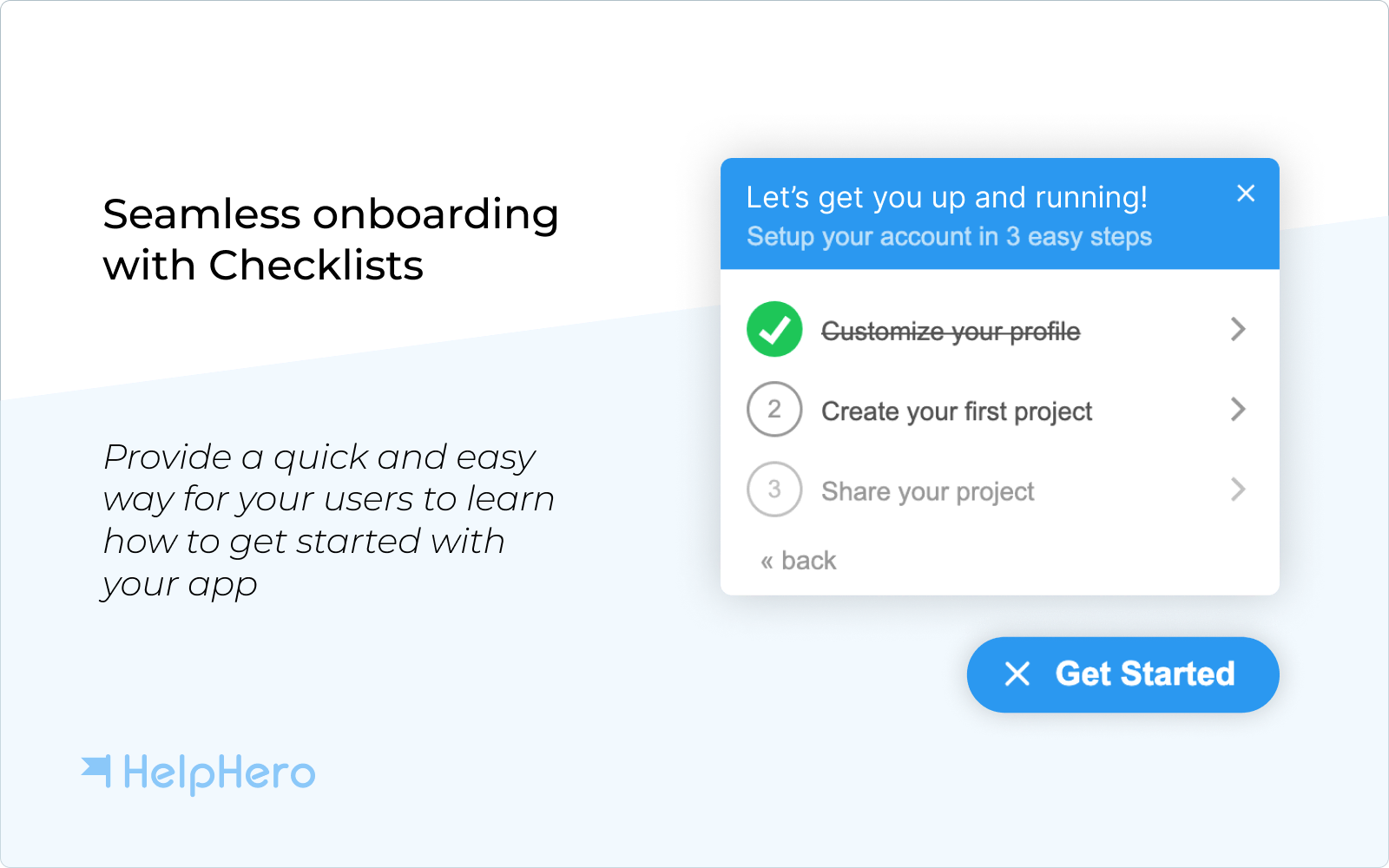
- Use visual indicators, such as checklists, to show users where they are in the onboarding journey.
- Break the process into small, achievable milestones to keep users motivated.
- Provide helpful nudges or reminders if they haven't completed an important step.
When users feel a sense of progress, they're more likely to stay engaged and complete the onboarding journey.
5) Focus on Delivering Value Quickly
Ultimately, onboarding should highlight the value of your product as soon as possible. The quicker users see the benefits, the more likely they are to stick around.
Avoid unnecessary steps that don't directly help users get started. Instead, focus on actions that provide immediate value, such as:
- Getting familiar with key features
- Completing an important setup step
- Achieving a small win with your product
If users experience immediate value, they'll have a more positive experience and be more likely to continue using your product.
What good SaaS onboarding adds up to
A great onboarding experience can be the difference between a user staying with your product long-term or dropping off early. By keeping it simple, staggered, personalized, engaging, and value-driven, you can create an onboarding journey that sets your users up for success from day one.
Choosing the Right Onboarding Solution
Now that we've covered the importance of user onboarding, how do you choose the right solution for your startup?
The onboarding process isn't just about introducing features: it’s about ensuring users quickly see the value in your product and stay engaged. A well-structured onboarding solution should help users find their way around your platform without getting stuck, while allowing you to track, optimize, and personalize their experience.
When evaluating a product tour or onboarding solution, keep these key factors in mind:
- Ease of use: can non-technical team members create and manage tours without a developer?
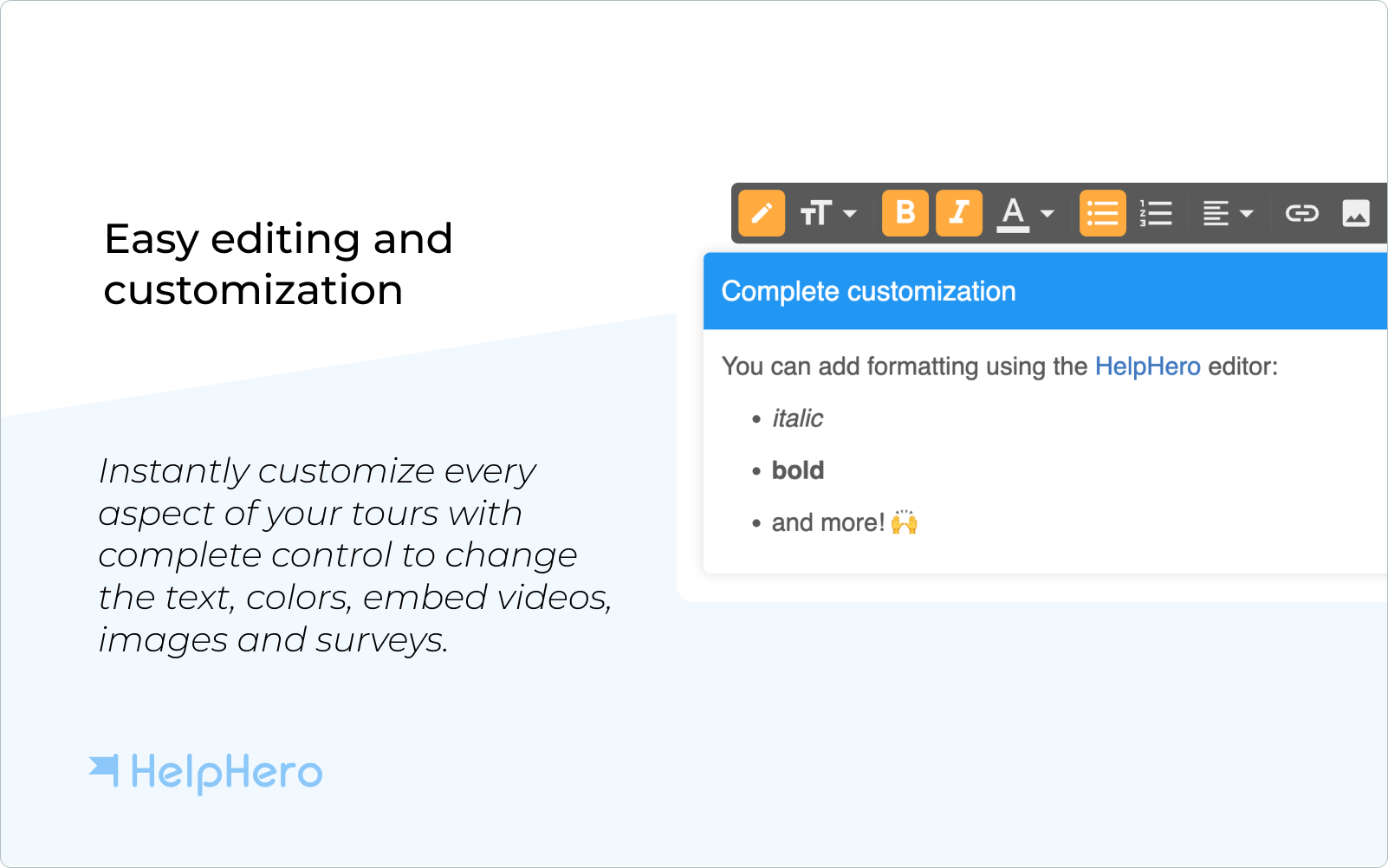
- Rich media: can you add images, videos, and links for an engaging experience?
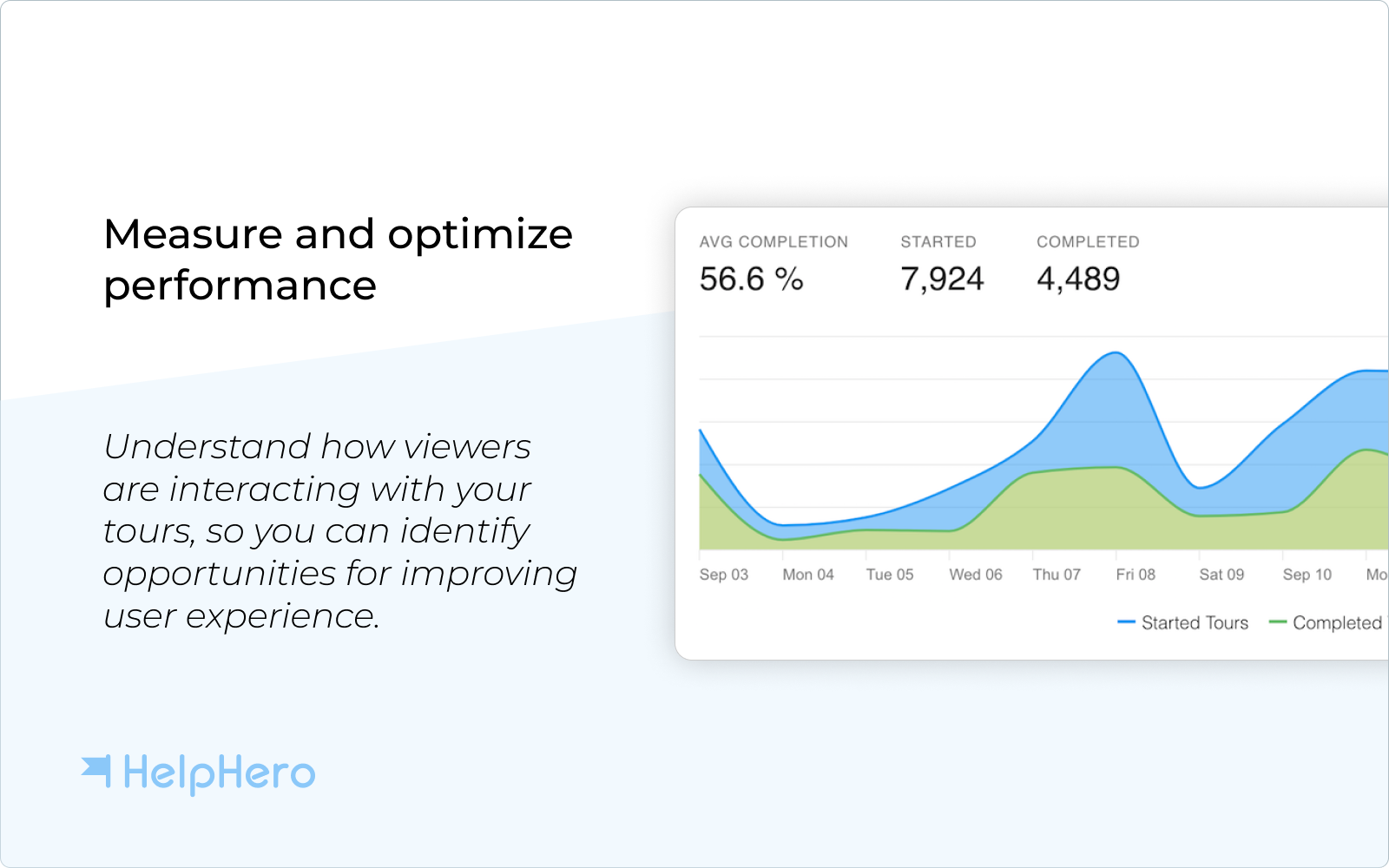
- Analytics: can you track completion rates and adjust based on real behavior?
- Targeting: can you personalize onboarding by role, device, or language?
- JavaScript API: can you start tours programmatically for advanced cases?
- Integrations: does it work with your support tools, emails, and documentation?


Get Started with HelpHero
If you're ready to build an onboarding experience that stays out of your users' way, a no-code solution like HelpHero can help. Known for its easy setup, intuitiveness, and affordability, it lets startups create simple, effective onboarding flows without requiring engineering resources.
A well-designed onboarding process isn't a one-time setup. It's an ongoing strategy that feeds user activation and, further out, customer retention.
Common questions about SaaS user onboarding
Which SaaS user onboarding tip should you start with?
Roughly in the order they're written, which runs from the cheapest change to the deepest one. Length is the place to start, because cutting an overlong tour takes an afternoon and it's the mistake most teams are currently making. Staggering and personalization cost more to build, and they only pay off once the flow is short enough that people reach the end of it. Delivering value quickly sits last in the list and first in importance, since it's usually a product decision rather than an onboarding one.
Do onboarding checklists actually improve completion?
They help, though not for the reason people usually assume. A checklist doesn't motivate anyone by itself: what it does is make the shape of a first session visible, so the user can see how much is left instead of guessing at it. That means it only works when the steps behind it are ones a new user actually wants to finish, and a checklist wrapped around three steps nobody cares about just gets ignored in a tidier way. Keep it to the few steps that genuinely lead somewhere, then compare completion against the cohort that came through before it existed.
What makes SaaS user onboarding fail?
Three things, in order of how often they happen: showing every feature at once, giving every user the same flow regardless of role, and delaying the first useful result until after a long setup. All three share a cause, which is designing onboarding around the product's feature list instead of around what the user came to do.
How do you personalize SaaS user onboarding without asking too many questions?
What someone wants to accomplish predicts the right path better than their role does, so ask about the goal, and keep it to one or two questions at most. Two people with the same job title often arrive wanting quite different things from the same product. Better still, branch on something you already know: the plan they chose at signup, or whether they arrived with teammates already invited. That costs the user nothing, and it's the step most teams skip, because adding a question feels more like personalization than reading the data you already have.